Export from Dexcom Clarity
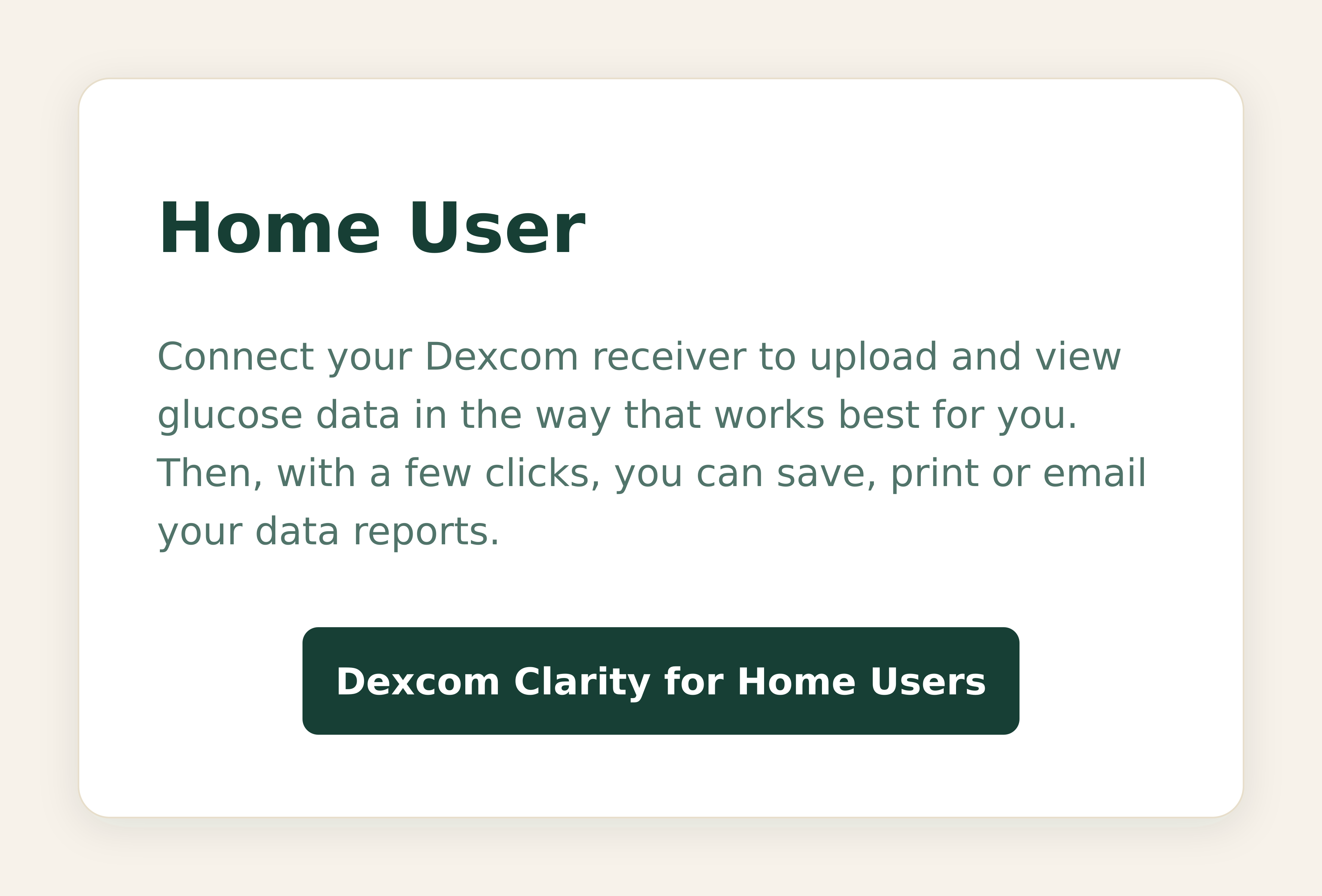
Halia reads the last 90 days of glucose data from a Dexcom Clarity export. It takes about two minutes on your phone.
Open Dexcom Clarity
Go to clarity.dexcom.eu and sign in with your Dexcom account.
Go to Reports
Open the Reports section from the main menu.

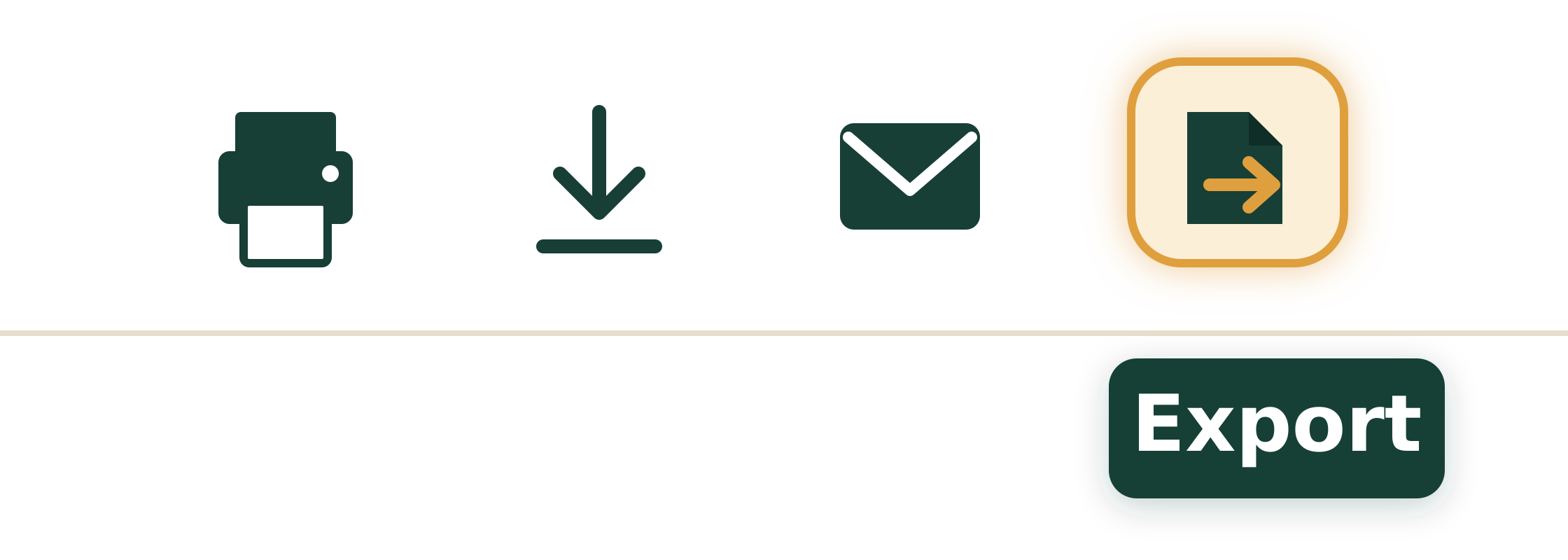
Choose Export
Select Export to download your data as a CSV file.
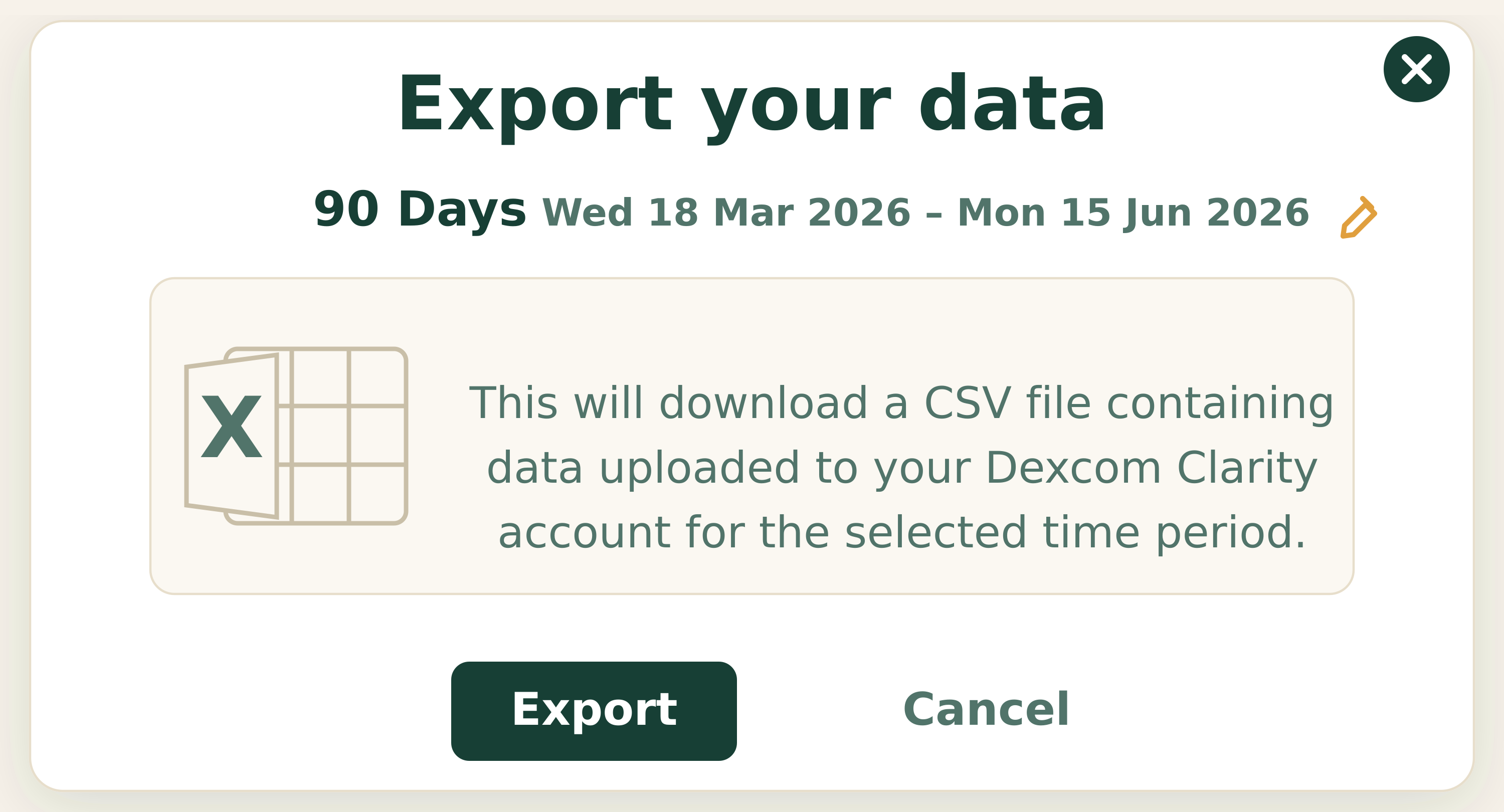
Select 90 days
Click the pencil icon to set the date range to the last 90 days — this allows Halia to get the fullest picture. Then click Export.
Download the CSV
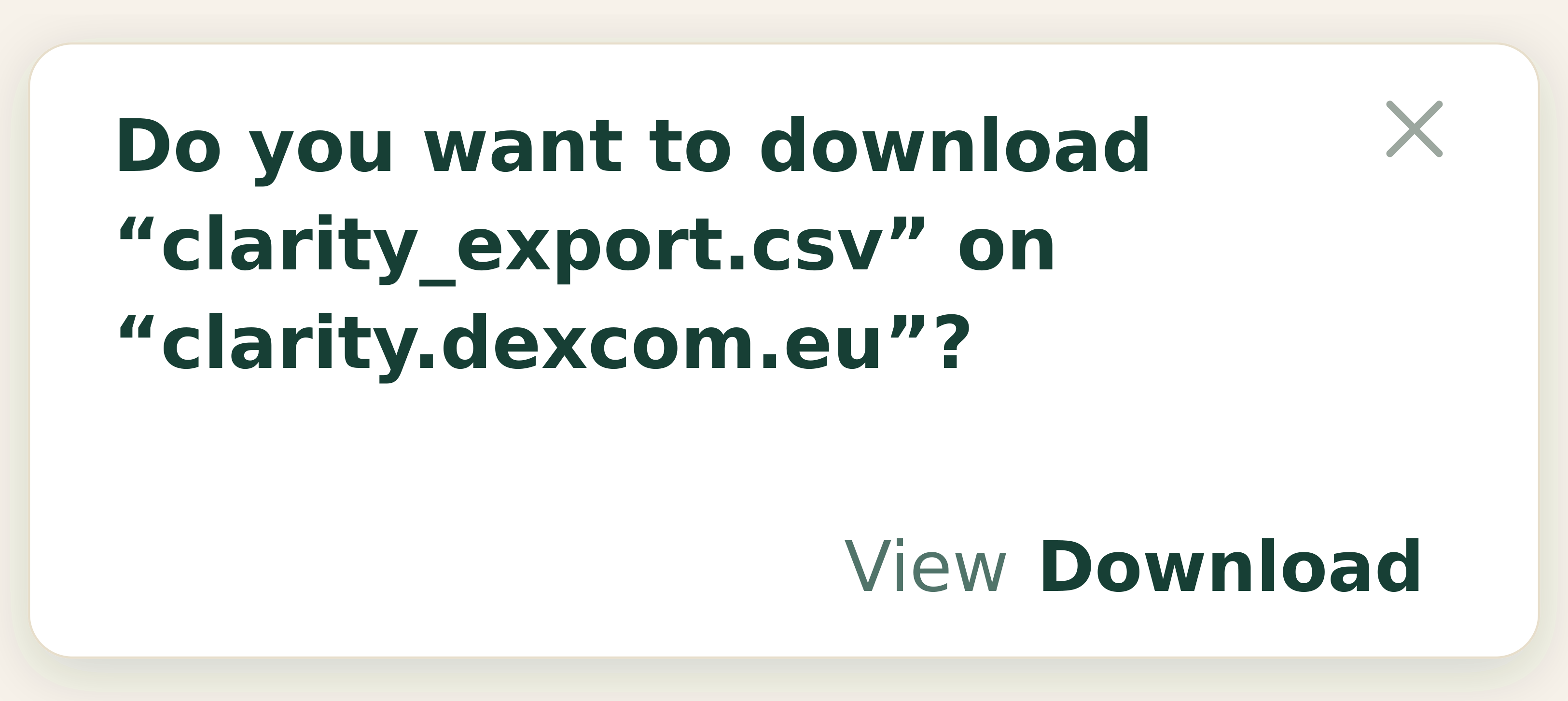
Download the CSV file to your phone.
Share the file with Halia
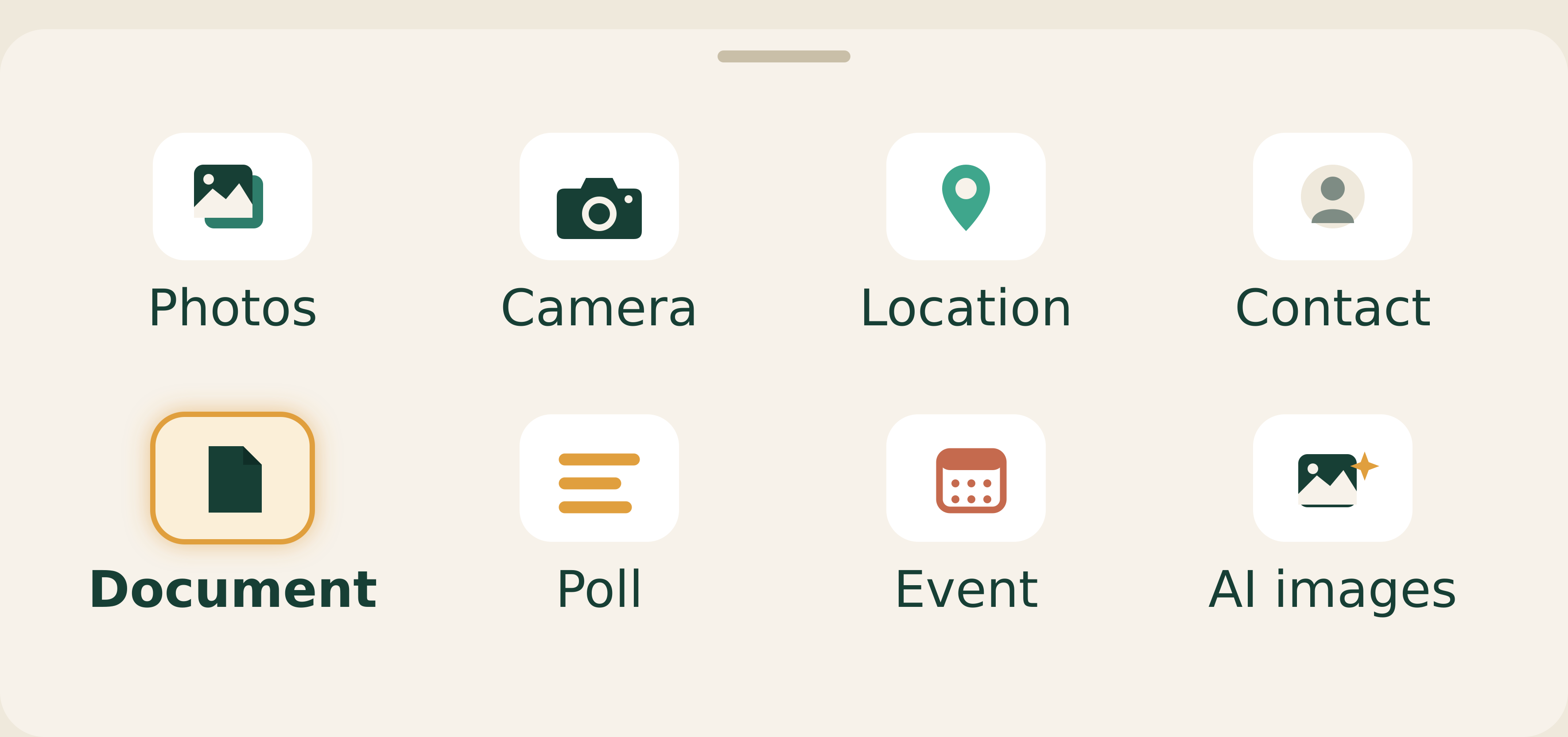
Use the link below to open a WhatsApp conversation with Halia. Tap the + button, select Document, choose from Files, and find your Clarity export to upload. Halia will do the rest.
Open WhatsApp to send it